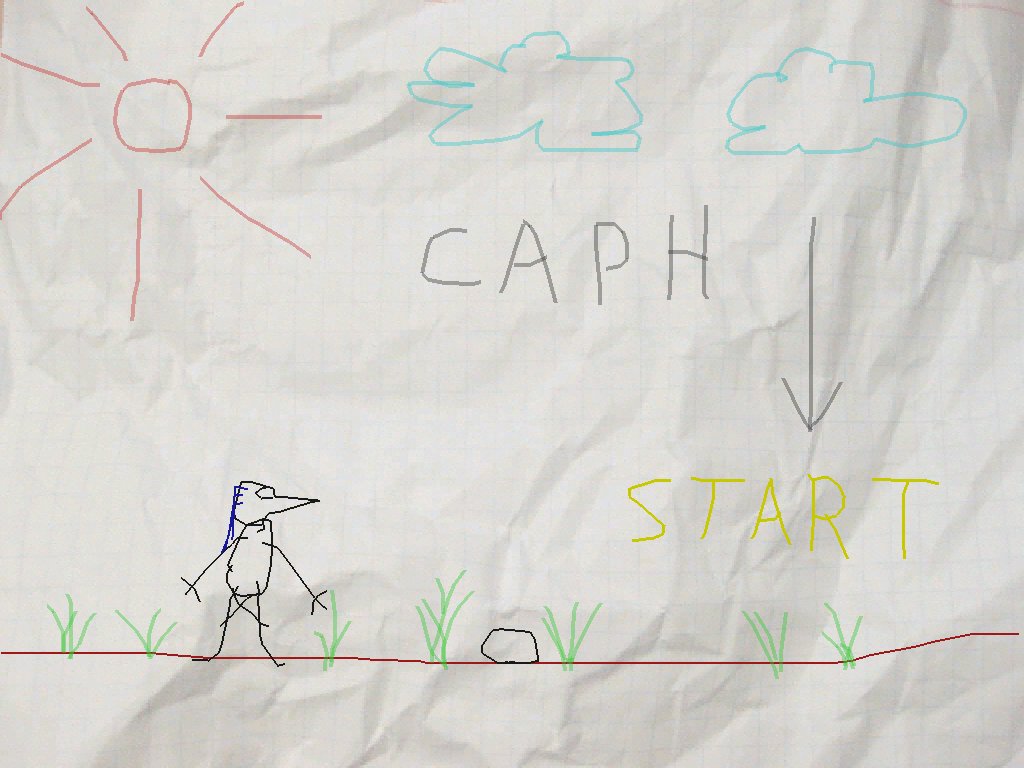


Caph Screenshot Painted physics

It is a sandbox game, based on physics. The game aim is to make contact red object with green object. You can paint various objects, solid, wire (rope), and bendable objects. Gravitation will help you.

License: free
Requirements: SDL, OpenGL, libpng

Sound:Play in X:Play in Console:Multiplayer:Network Play:3D Acceleration:Source Available:
noyesnononoyesyes
Suggest an update

Comments

"caph.c:196 [PANIC] fopen("caph.conf") failed: No such file or directory"

I tried copying the binary to bin/, data/ and even the root. Same error. caph.conf is in data/ .

Re: Caph posted by Ferk on Dec 26 2009 6:19 PM
Mm.. are you sure you have all the libraries? It compiled fine for me in ubuntu 9.10, just had to execute the "build" script in "src" folder.
Re: Caph posted by amaora on Dec 26 2009 6:45 PM
Now, Caph search for 'data' as '../data'. Current directory have influence. Use this wrapper,

#!/bin/sh

ROOT='/home/amaora/devel/caph/src/'
BIN='caph'

cd $ROOT
exec $BIN

or more complex method, through /proc .
There was no game like this before in the FOSS games world, and I really think this was needed!

However, the learning curve is a bit too harsh, I think. I can't get past the second level and I still don't understand fully the controls.

Only think I got to know is that the right click changes the meterial you draw in (there seem to be 3 different materials with different viscosity) and the left click can be used for drawing. I don't know if there are more controls than that
Re: Very creative and cool! posted by jose1711 on Dec 26 2009 10:24 PM
somewhat similar to http://numptyphysics.garage.maemo.org/ or not?
Re: Very creative and cool! posted by Jarno on Dec 27 2009 9:34 AM
I agree the controls are confusing. In the README in the doc directory, the keys are listed. However 'H' is supposed to 'not link objects'. I thought that would make the material not stick to the other materials, but it still does. Maybe I misunderstood.
Also, you might want to know about 'T' which stops time. That was a big helper.
The game is very enjoyable though! It does get kind of slow if you draw a really big object (or lots of small ones).
Re: Very creative and cool! posted by WolfgangB on Jan 1 2010 2:55 PM
Overall a nice game. Drawing is a bit sluggish, especially building heavy objects is tricky.
Challenging game with a lot to explore
BTW: the build script in src does a mingw that's better skipped on linux because it gives
make: /usr/local/mingw/bin/i386-mingw32-gcc: Command not found
4 stars not 5 because of the rough ends.
****
Possibly the most innovative game I have ever played.
Re: Great! posted by Draconishinobi on Jan 4 2010 8:04 PM
Indeed this game is awesome. Great idea, good work.
With version 1.0 make sure to create a bin directory in the extracted directory or it won't build itself properly. I'll try to notify the dev.
Looks promising, but appears to be hard-coded to assume a larger screen size than the one I have (1024x600), so I can only access the upper-left corner of the game screen. At least, this was my experience with the Arch package.

(Unable to rate until I can play it...)

Re: Fixed screen size? posted by amaora on Sep 12 2010 12:18 PM
You can edit caph.conf to change resolution, but it works badly affects the phisics and sometimes it is funny.

Log in or register to rate this game or post a comment.